 FEELINK


Log what you love
and share it.
FEELINK Hobby Log lets you record hobby activities with photos and text, browse other people’s logs by area and category, and find local meetups for the same hobby.
How to postSave today’s hobby
with photos and words
Log what you did today, from running and cooking to reading or a workshop class. Add a category and tags so people with the same hobby can find it.
- 01 Log with photos and text
- 02 Add a hobby category and #tags
- 03 Chat through likes and comments
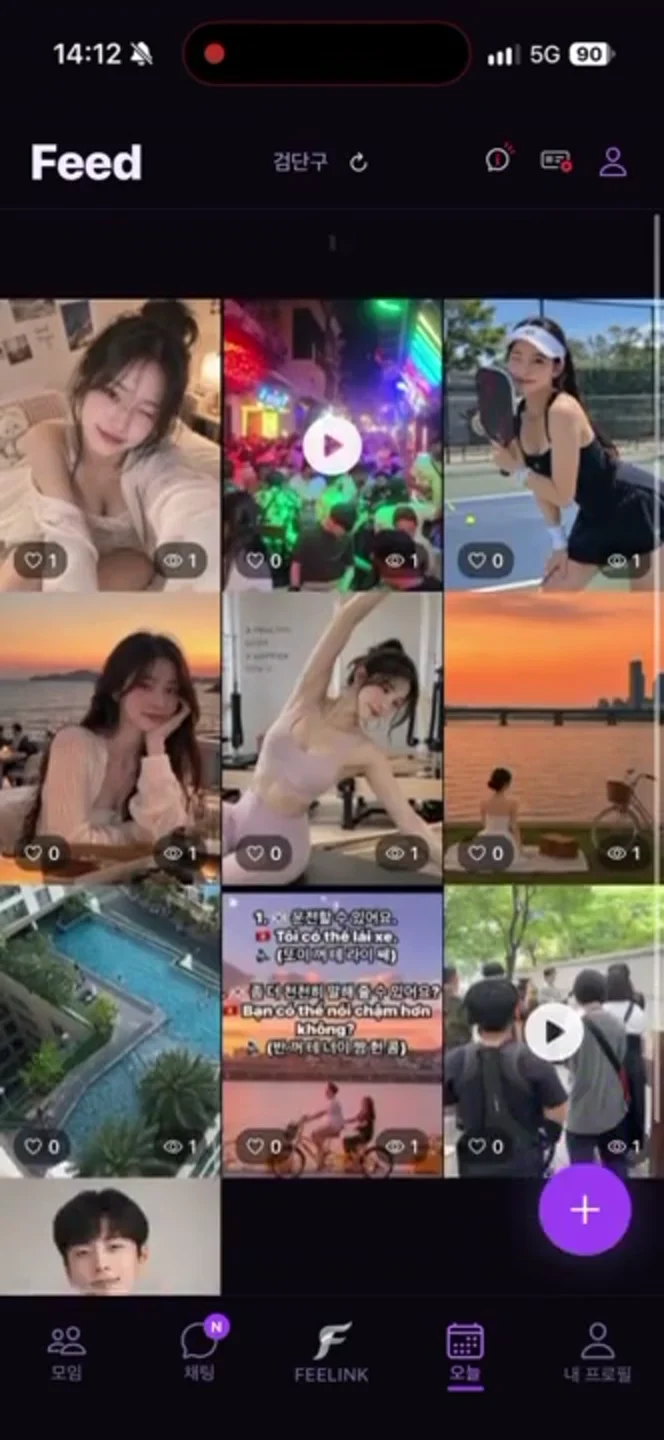
How to post a log
Write a log
In the Hobbies tab, pick photos and write about what you did today.
Pick a category
Add a hobby category and tags, and mark the place on the map if you like.
Share
Your log gets likes and comments, followed by meetup suggestions for the same hobby.
Browse hobbies
in your neighborhood
Browse other people’s logs by area and category. Show only your own interests, or switch between list and map.
From a log
to a meetup
When you post a log, we suggest local meetups for the same hobby. Meetup pages show similar hobby logs too.
Meetups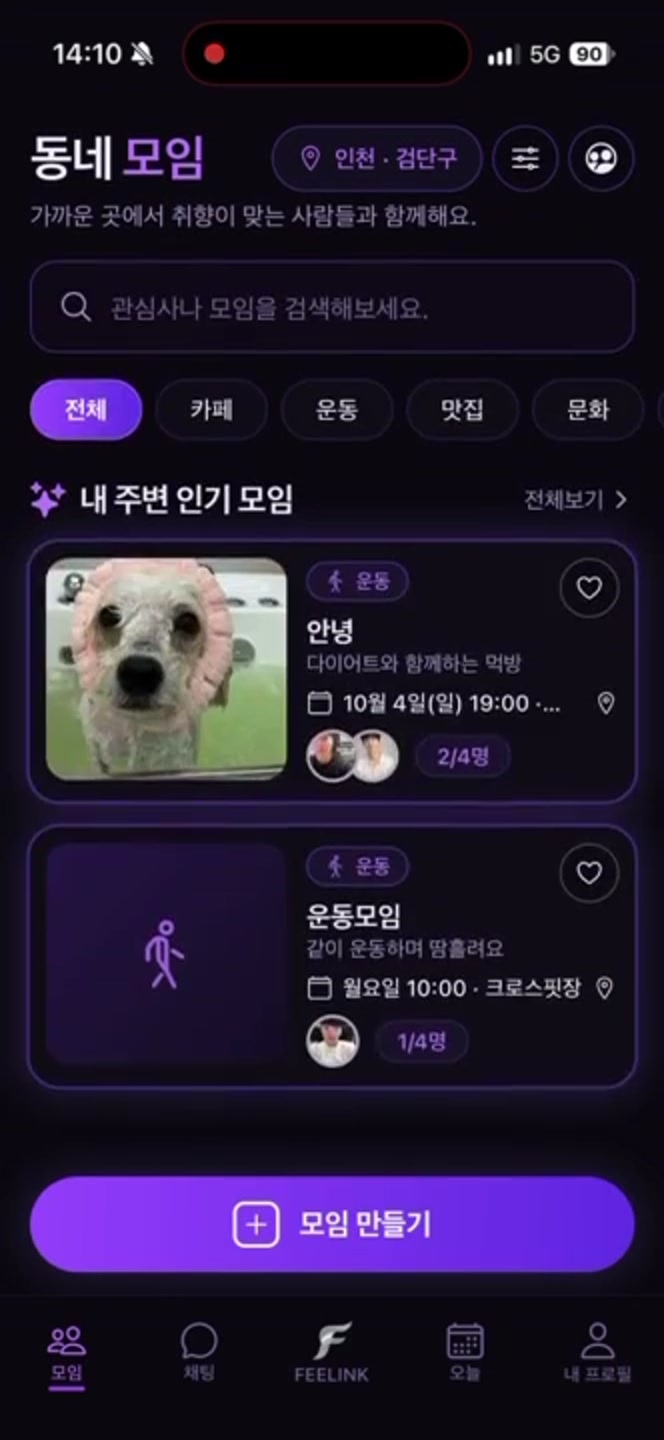
Frequently asked questions
How do I post a hobby log?
In the Hobbies tab, pick photos, write your text, add a hobby category and tags, and post. If you like, mark a place so the log shows on the map too.
How are hobby logs connected to local meetups?
When you post a log, we suggest local meetups for the same hobby. Meetup pages, in turn, show hobby logs similar to that meetup.
Is there anything I can’t post in a log?
Profanity and outside contacts such as social media IDs or phone numbers can’t be used in logs or comments. Please report any log that makes you uncomfortable in the app.
Information as of November 6, 2026. Please check the app for the full terms of use.
More in the Help CenterLog today’s hobby
See what FEELINK really looks like and how to get started.